

What's so new about it?
Well, for a start, Pleos is physically new, as well as being a new software setup. For several years, we've been used to Hyundais having two conjoined screens stretched out across the dashboard like a long, shallow TV.
That changes with Pleos - now you'll have a large, square screen in the centre of the dashboard (starting at 12.9 inches, with 14.6 inches optionally available, and probably larger versions for other models later on) paired with a very slim digital driver's instrument panel, which in the Ioniq 3 at any rate is set up high on the dash, almost brushing the windscreen glass, so that it can also effectively function as a head-up display.
Aren't we a bit tired of screens?
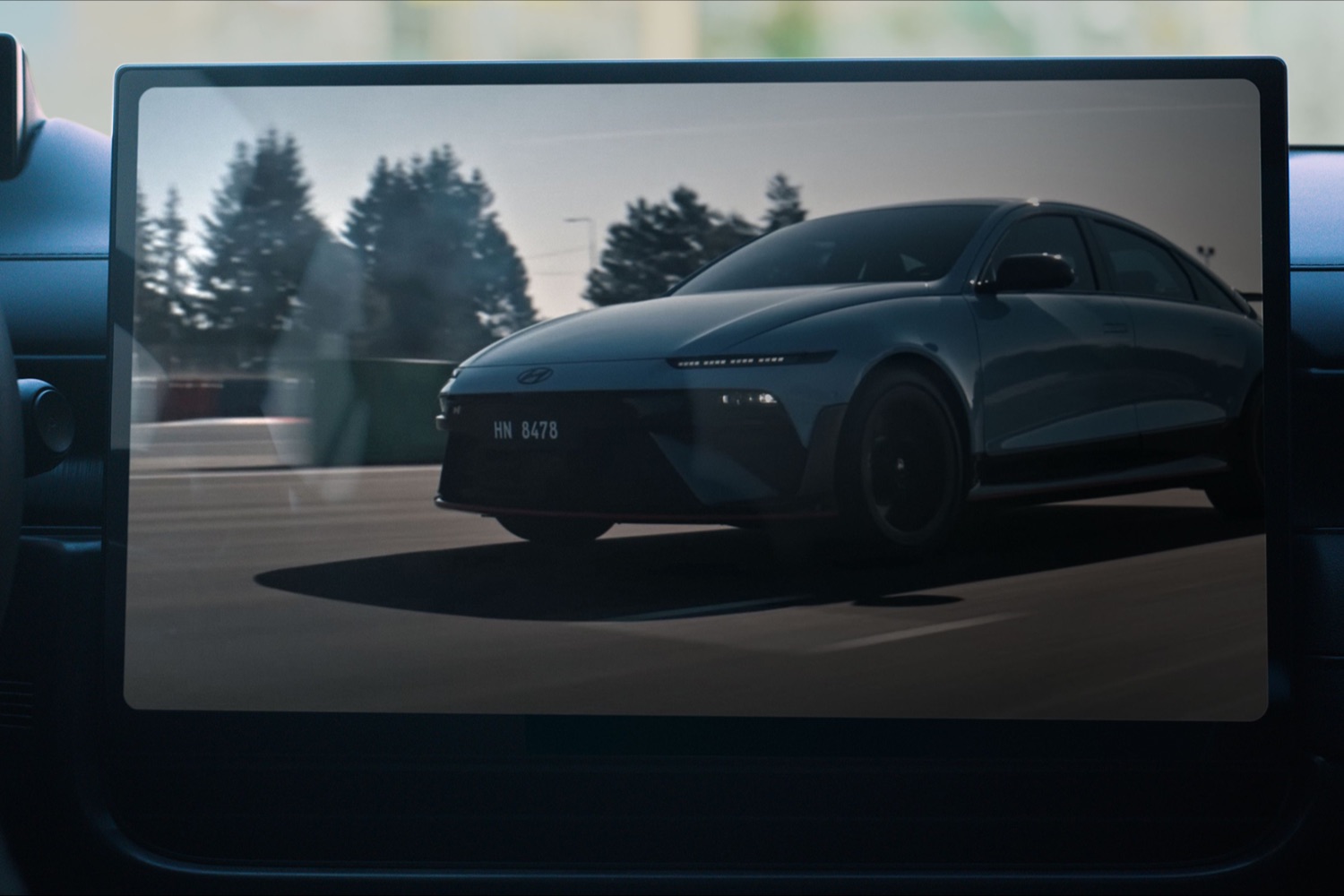
No - we're tired of cars that have nothing but screens, but Hyundai has sensibly not gone down that route. The Pleos setup is designed to have proper buttons as well as the big touchscreen, so you can access functions such as stereo volume, cabin temperature and so on without taking your eyes off the road. As Hyundai's design boss, Simon Loasby, puts it: "All those frequent used functions are instinctively where you need to find them. So, without looking away from the road, you can find those functions. It's the safest way of driving a vehicle.”
Phew. What about the on-screen tech?
Pleos is also digitally very clever, and it integrates a lot of Google-based stuff, so it will be easy to plug in all your preferences and digital habits. You can have the main screen set up as a single large screen, such as when you need to concentrate on the sat-nav, or split it up into as many as three separate sections. There's always a taskbar at the bottom of the screen, too, giving you quick one-tap access to commonly used menus.
Can I customise the layout?
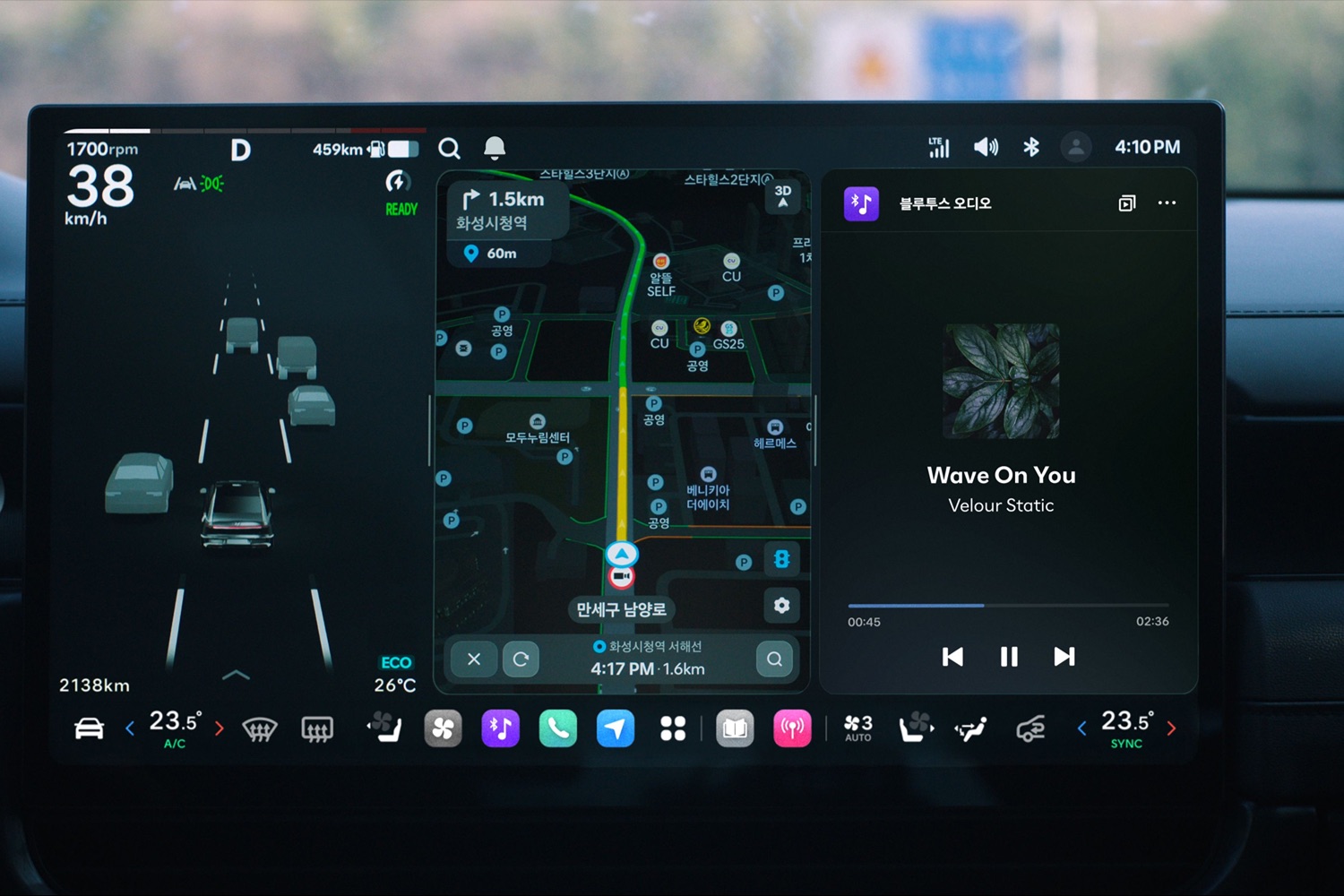
Yes, and it's pretty easy to do so - Hyundai has incorporated a three-finger tap and hold function so you can easily drag on-screen widgets to where you want to have them, so customising the Pleos layout should be just as easy as changing the home screen on your phone. A quick three-finger down-swipe also closes down an open app quickly and easily.
Does Pleos have its own navigation system?
It certainly does, and it might just be clever enough for you to abandon the usual Google Maps or Waze apps on your phone in favour of the car's own system. The layout is designed to be simple and intuitive to use, and it also connects to the car's battery - assuming you're driving an EV - so that charging stops can be easily integrated into your journey, and the battery can be automatically preconditioned.
I'm guessing there's some sort of AI involved, too?
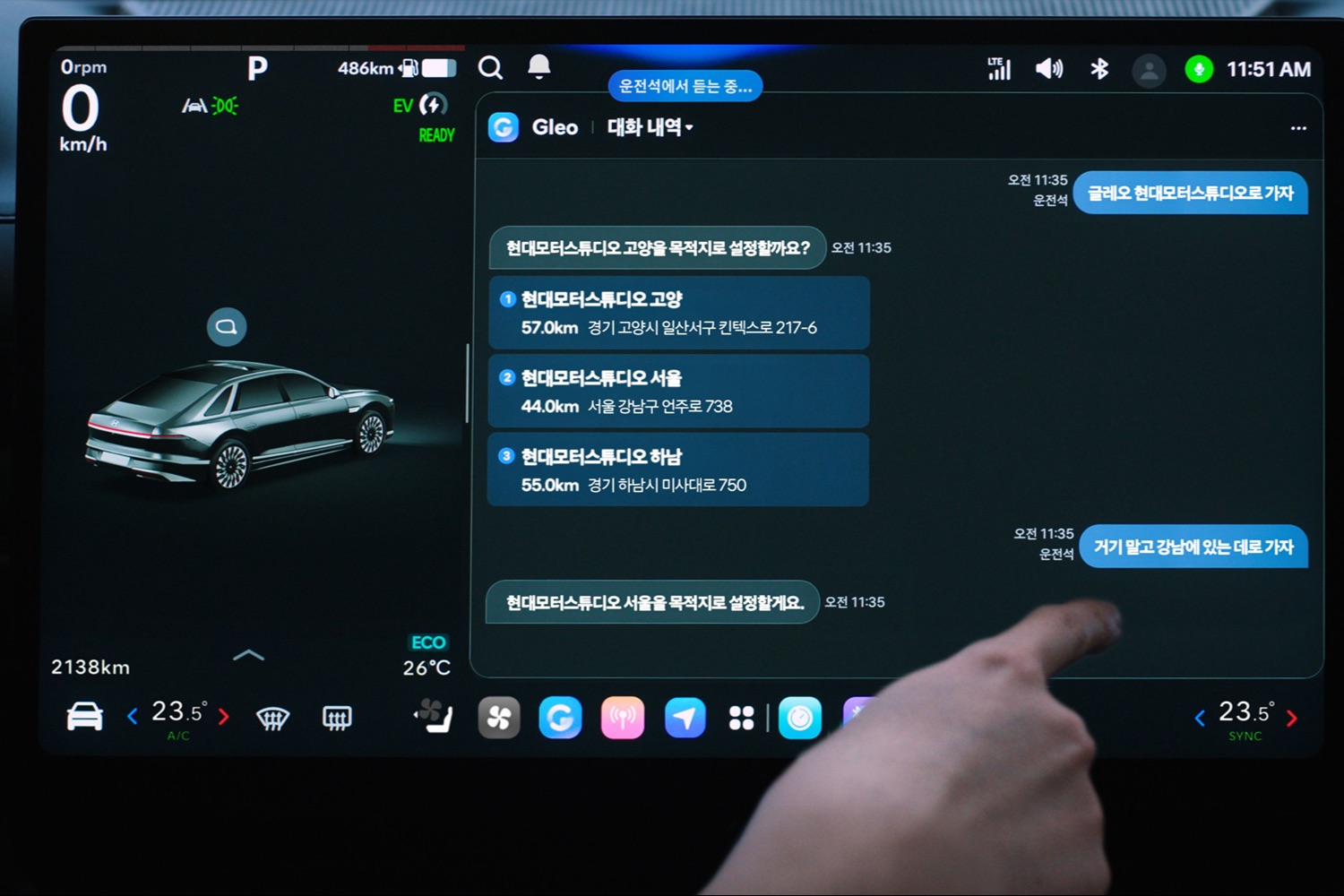
You guessed right. Pleos incorporates Hyundai's own 'Gleo' AI voice control system, which is, of course, designed to be able to understand and interact with you in normal, conversational ways. You can use it to control vehicle functions, including navigation, adjust climate settings and access vehicle manual information, and if you say something like 'turn on my heated seat', the system can automatically tell where in the car the voice is coming from, and turn on the correct seat.
Anything else to know?
The Pleos setup also includes an app store so that you can download the third-party apps of your choice, including the usual Spotify and YouTube apps. Other gaming, entertainment, and vehicle management services will be added as the system evolves, and Hyundai will open up the app store to developers who want to create vehicle-specific apps.
Does Pleos actually mean anything?
It actually does. The name is a portmanteau of the Greek 'Pleo', which means 'more' and the acronym OS, which, of course, stands for operating system.
If there is anything about this story we have not covered, you can avail of our expert advice service via the Ask Us Anything page.