

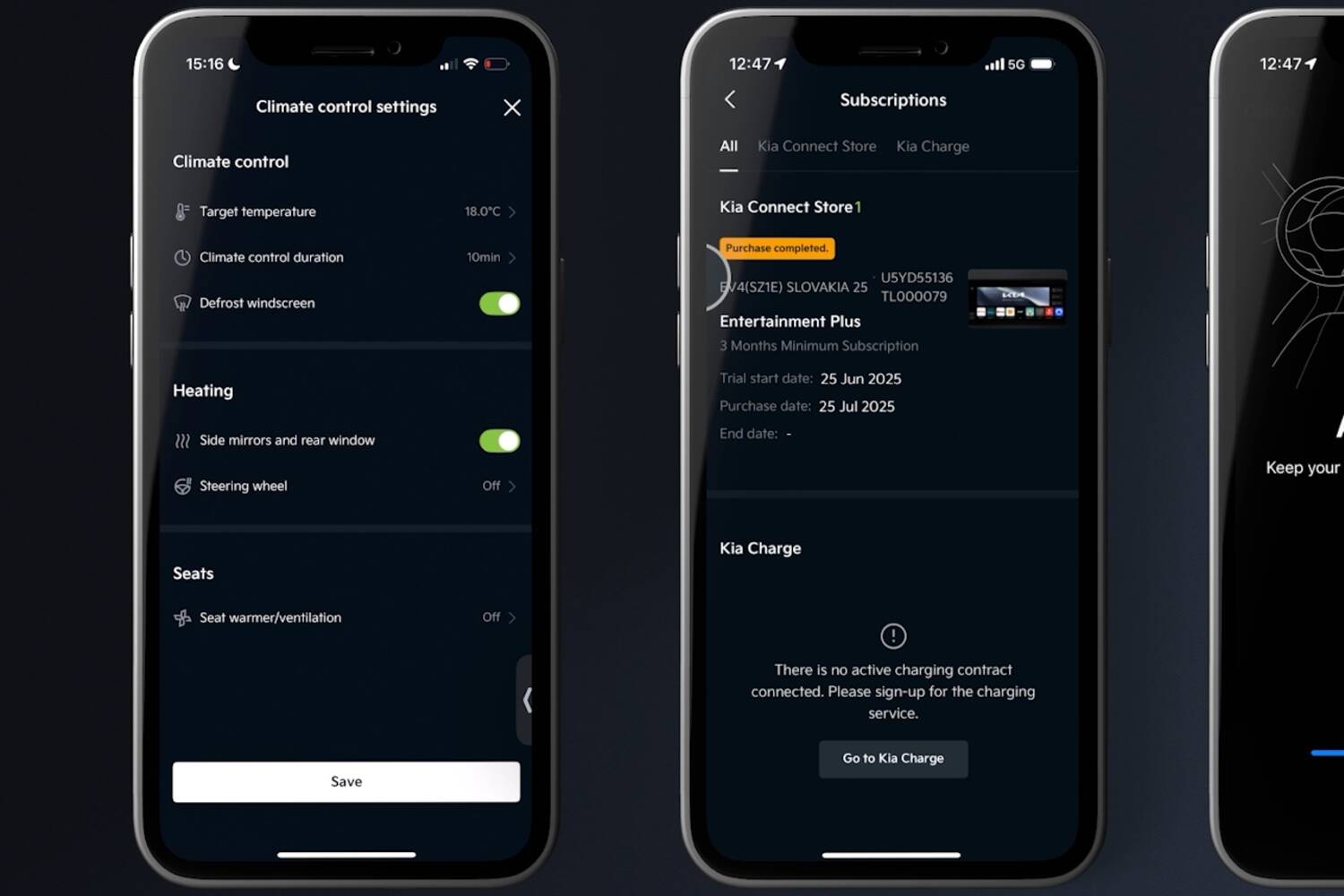
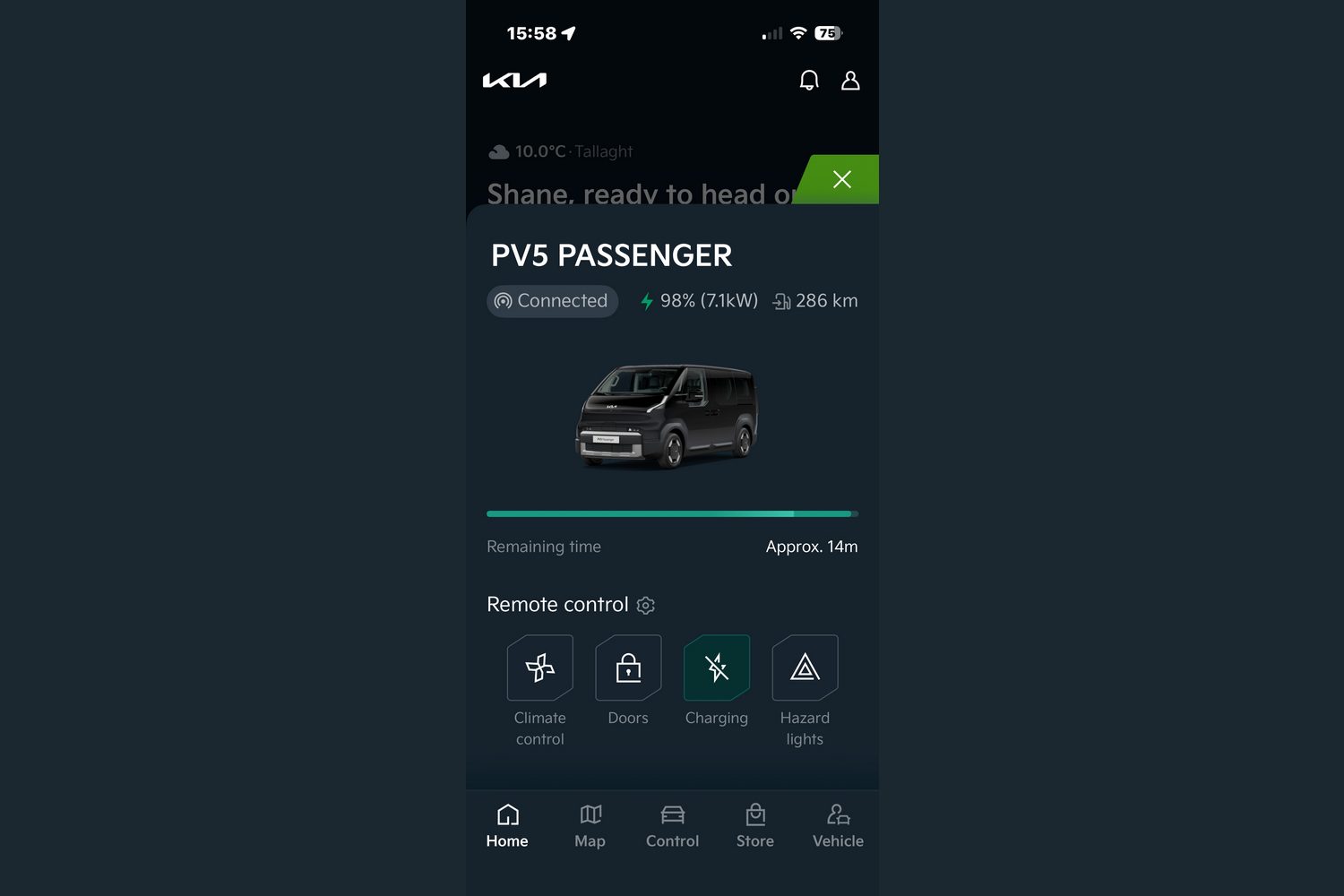


So I rolled over and had 15 minutes' extra snoozing. First, though, I woke up the Kia app on my phone, called up the EV5 I was testing that week, and instructed it to turn on the heating, the heated seats and the windscreen defroster.
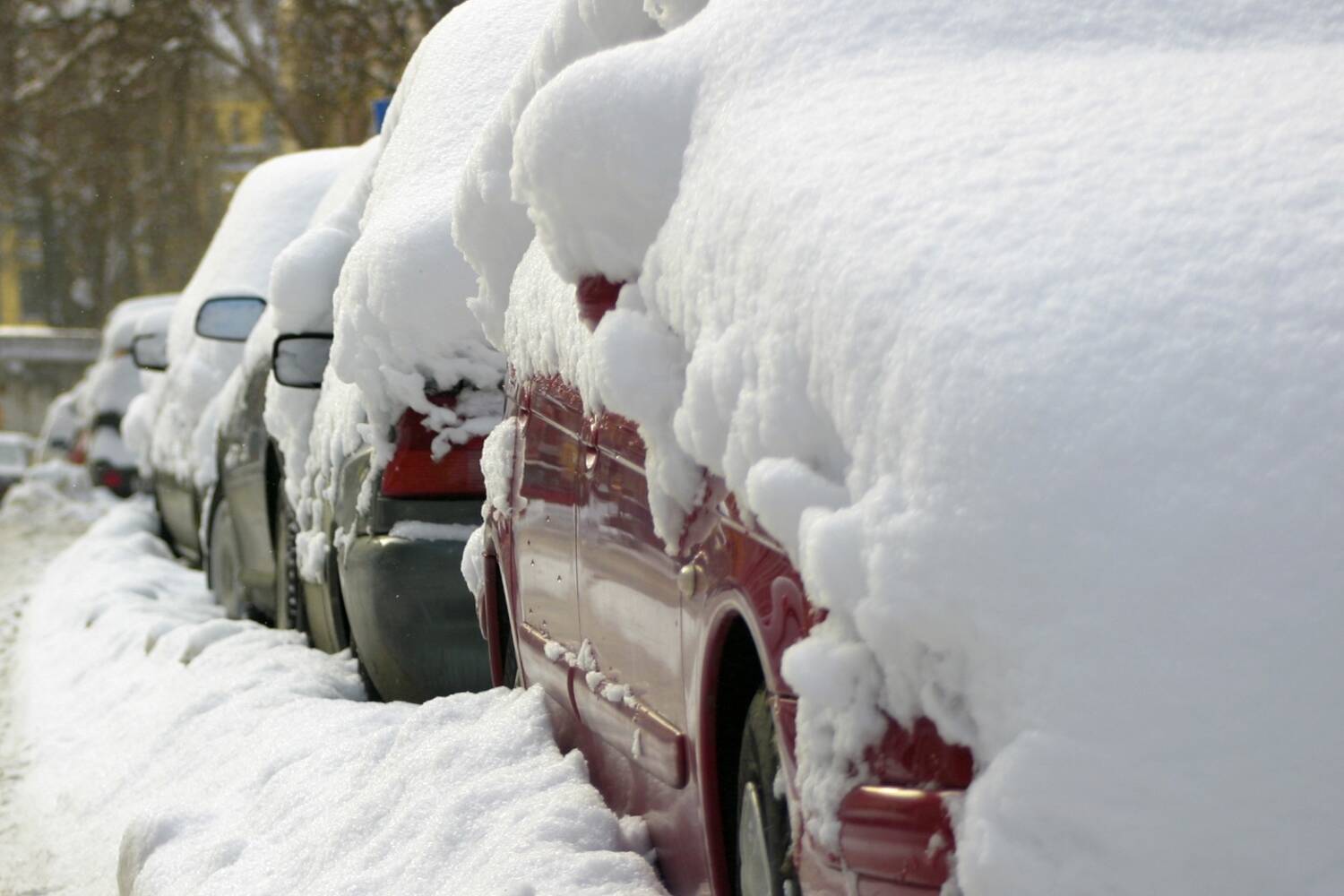
A short time later, son and I strolled out to a freshly defrosted car, with the cabin up to a comfortable 22 degrees temperature, and with the heated seats ready to toast some buns. Some neighbours, I could see, were already struggling with ice scrapers and kettles of water that I hoped were not too hot, lest they shatter their windscreens. I have to admit to feeling a touch smug.
This is witchcraft!
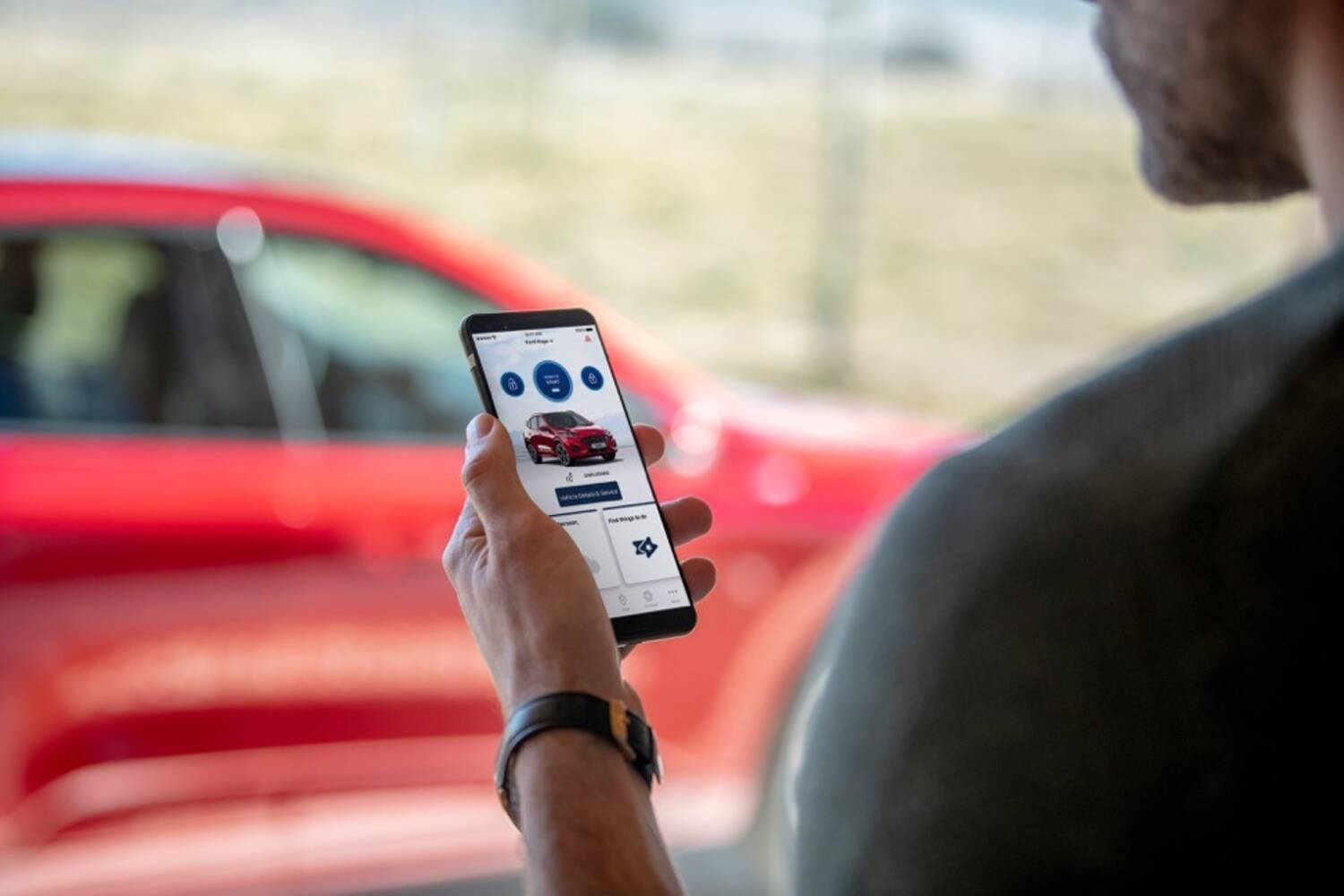
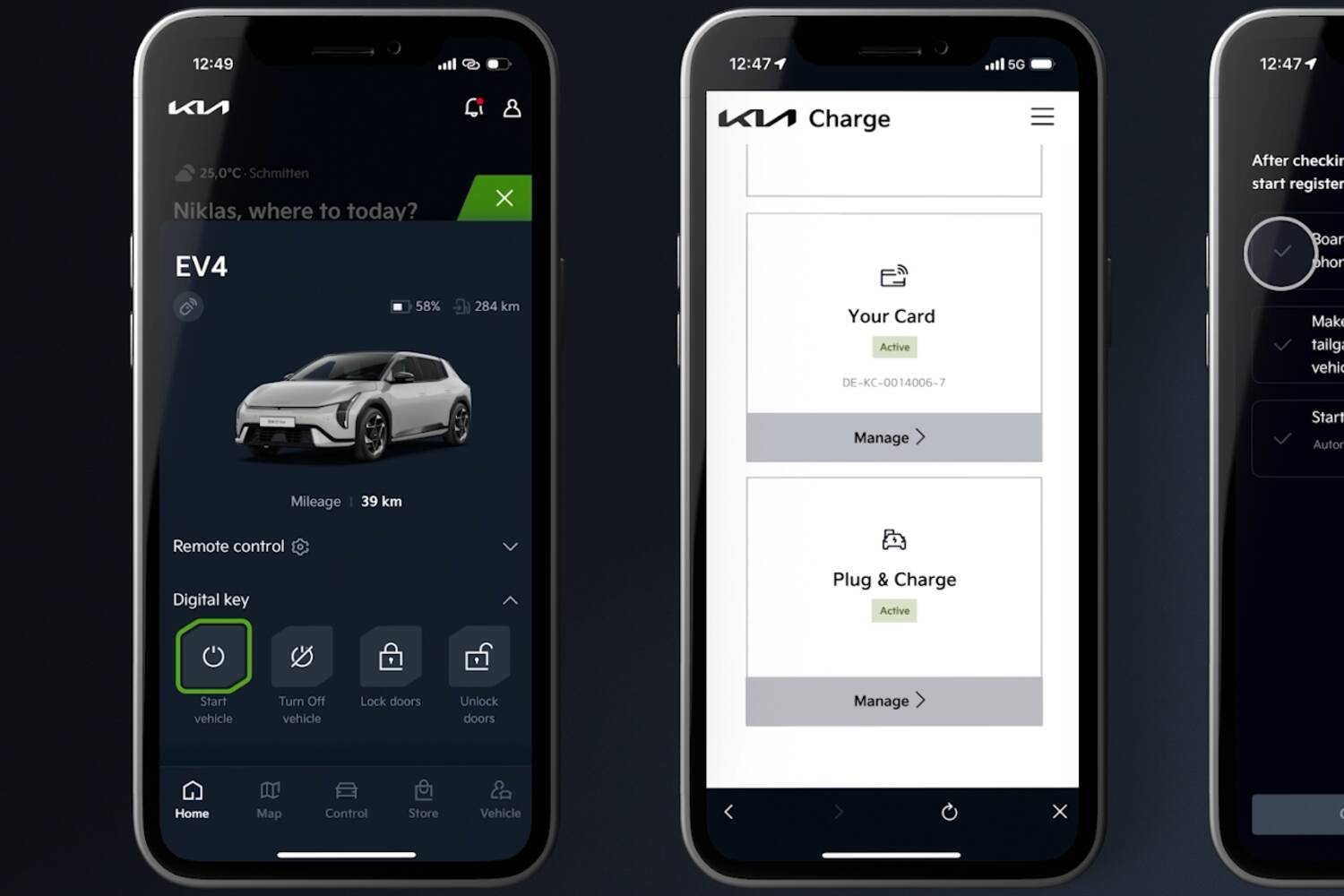
No, this is the magic of the connected car app. It works for pretty much all brands now, not just Kia, although it's worth pointing out that the Korean brand's phone app is one of the better ones, with plenty of useful functions and a pleasingly simple layout.
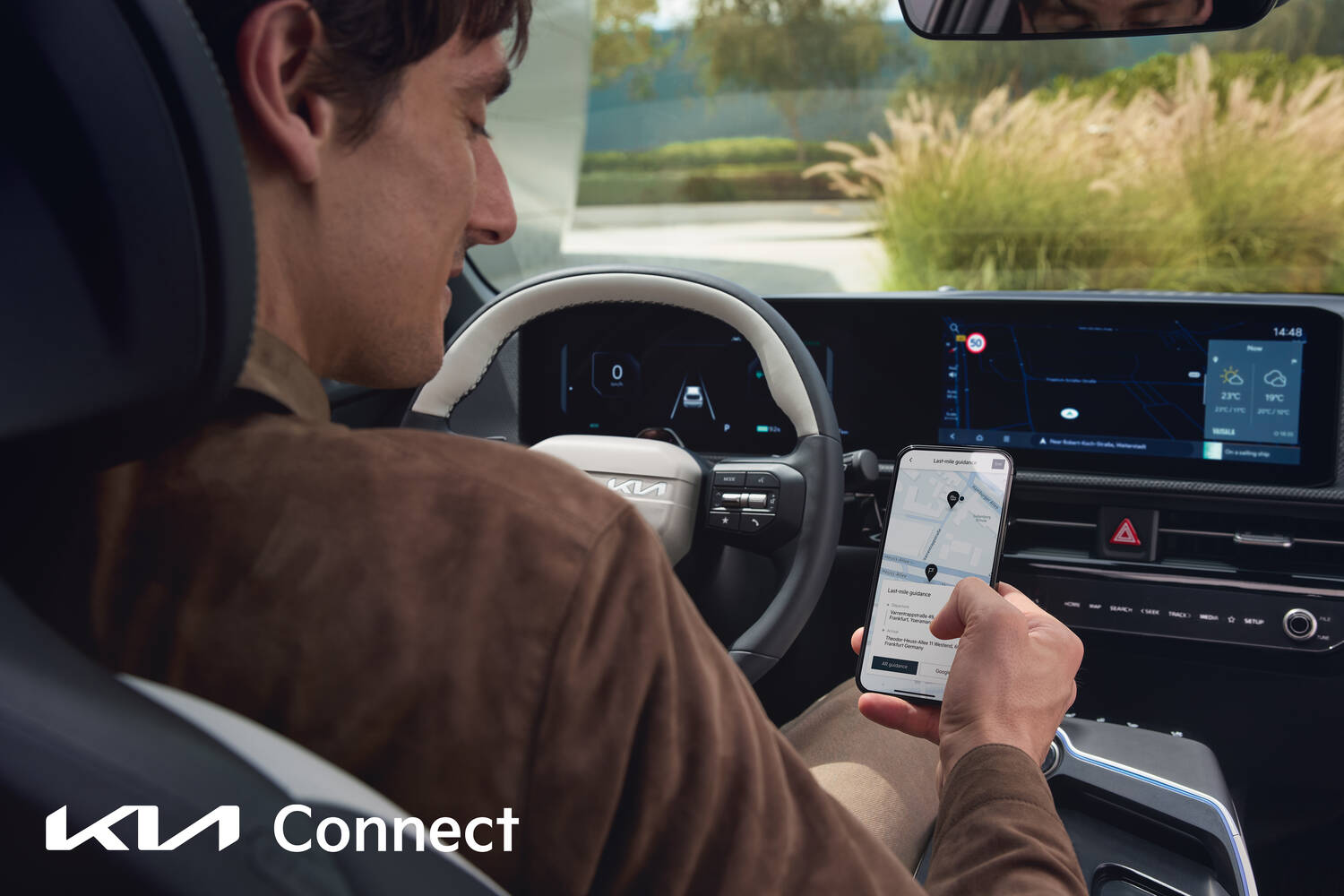
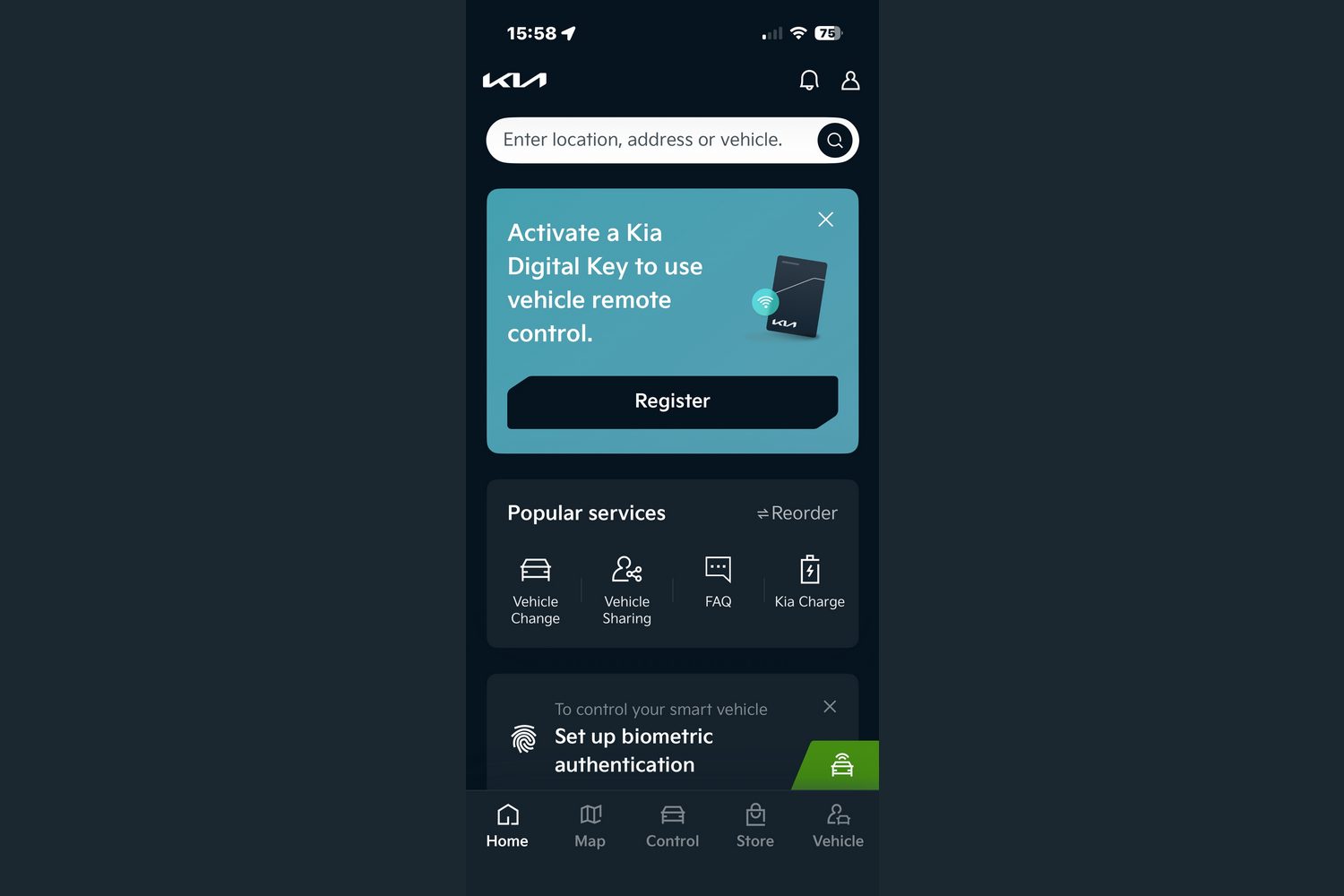
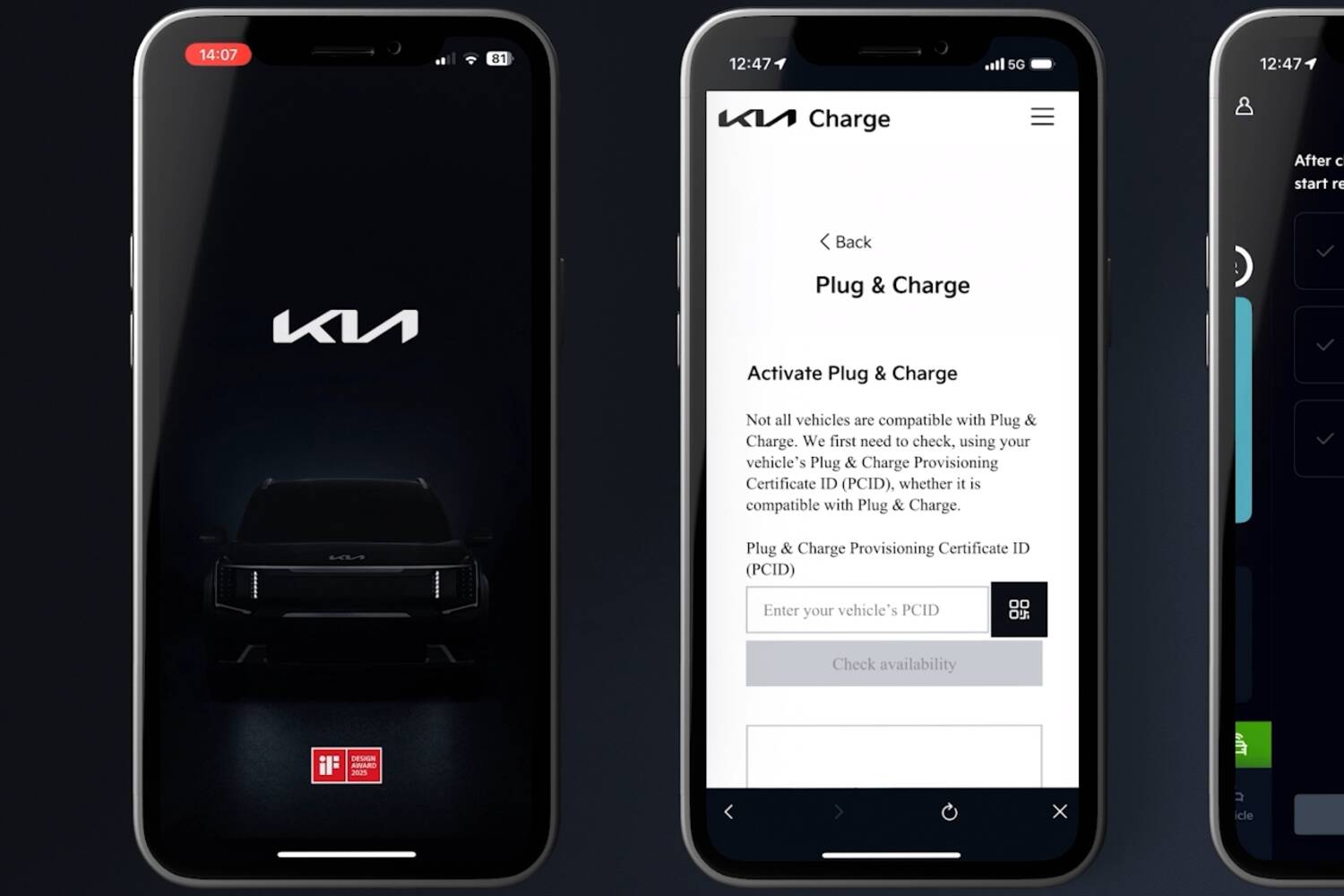
Getting started with a remote-control app such as this is generally pretty easy. You simply sign up, create a password or a face ID, and connect the app to your car, usually by scanning a QR code that, when prompted, pops up on the dashboard.
Sometimes you also need to enter the car's VIN and - occasionally - you will need all of the car's registered keys by your side to make sure that you're the legal owner. Still, for most people this will be something they do when the car is new (or at least new to them) and only once, so it's not going to waste too much of your time.
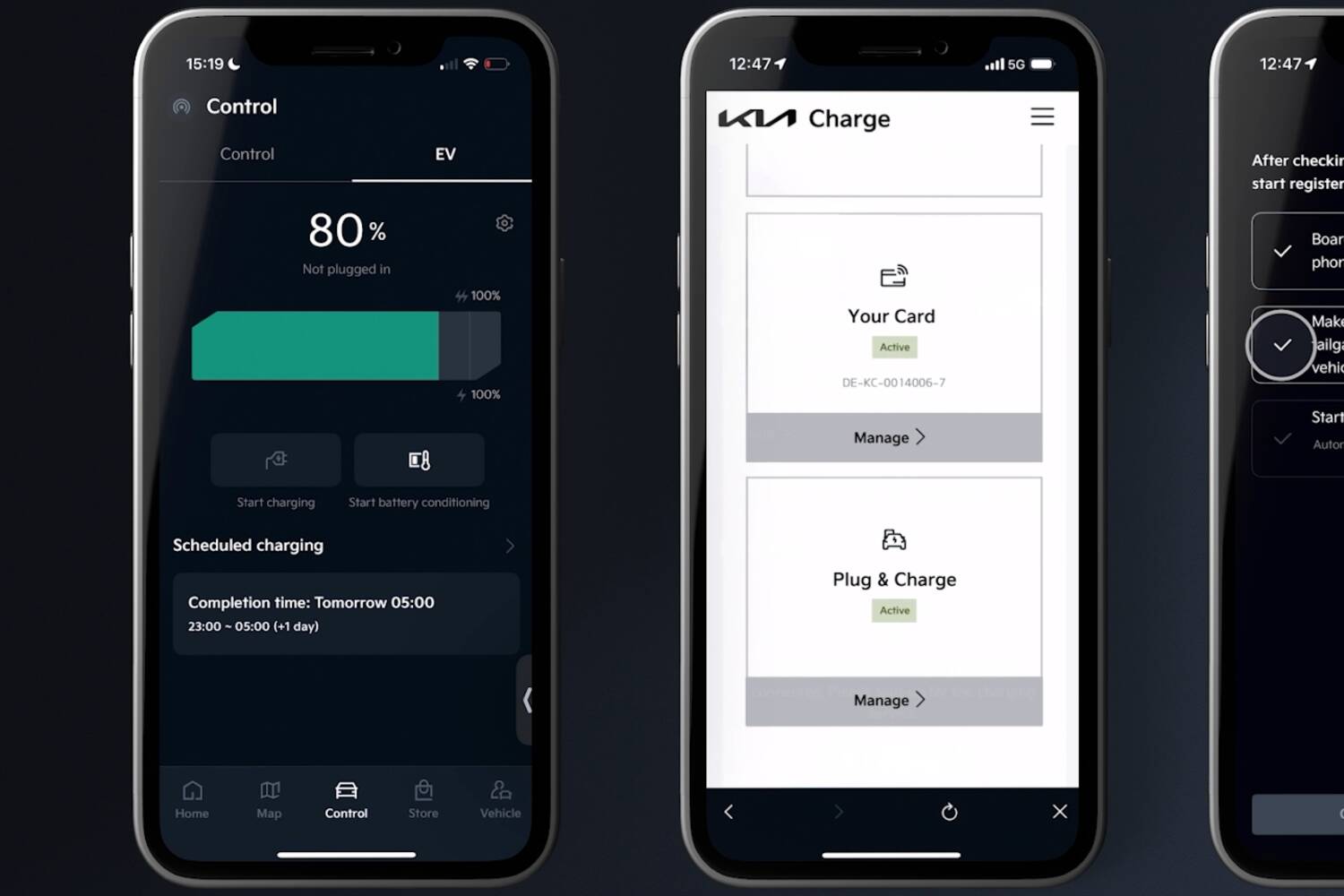
Once you're connected, there's usually a number of things you can then do. The remote heating and cooling functions are especially handy, notably so for electric vehicles. These functions work particularly well when the car is connected to a charger, usually the one on your driveway. That way, on a cold morning, the heat - or on a hot day the air conditioning - uses mains electricity, not the car's battery charge, which makes for much more efficient driving, as it uses less energy to keep a cabin to temperature rather than to do so from scratch on the move. This pre-conditioning is a must for any EV owner looking for both comfort and efficiency.
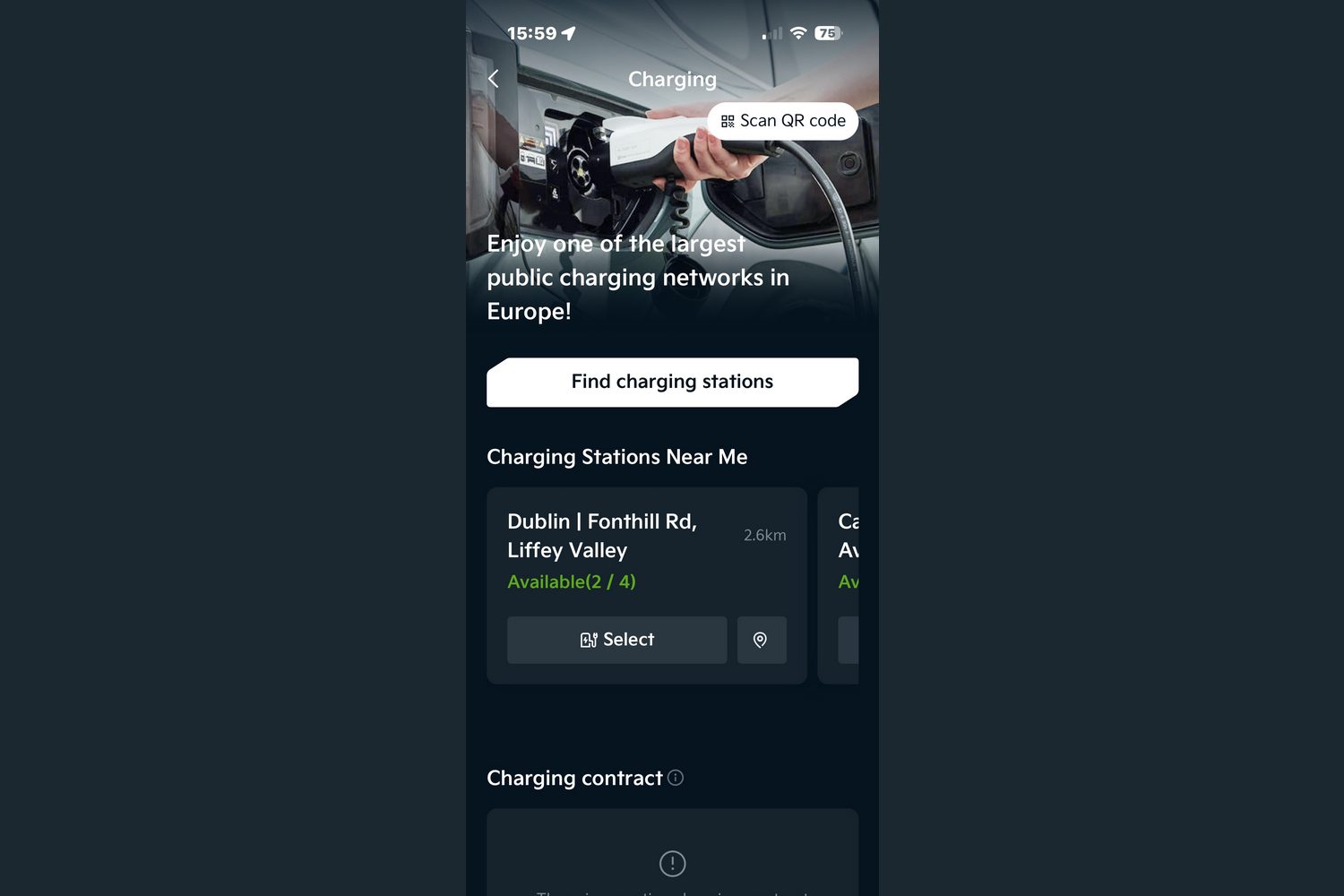
It also works for me, though, and my lack of home charging is well documented on these pages. OK, so I'm not getting the efficiency benefit, but I'm sure getting the benefit of a warmed-up car on a cold January morning, having turned on the climate control from the comfort of my bed. The slight extra use of battery charge is just something I have to compensate for at my next visit to a public charger.
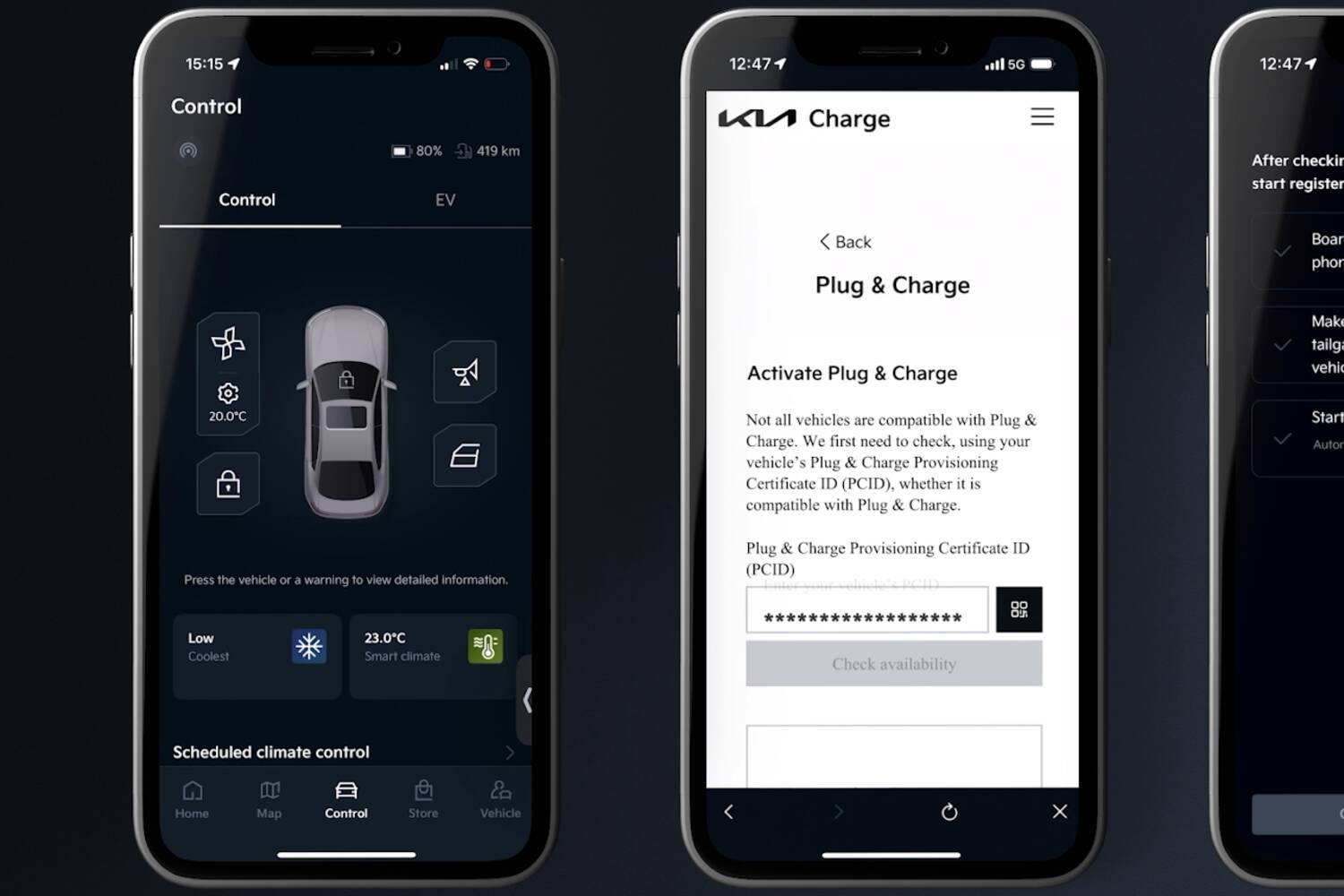
I did have a bit of a phone app win, recently though. Returning to the airport on a late flight, my test car that week was indeed connected to a charger, so before stepping onto the plane that was going to bring me back, I instructed the car, via the app, to pre-warm everything for roughly the time I expected to walk through the doors of the car park on my return. On a wet, cold, late night that was especially gratifying.
Is this an EV-only thing?
No, it's not just for EVs. Many combustion-engined cars can have their engines fired up to pre-heat or pre-cool, although the climate ethics of having your car idling outside your house are debatable.
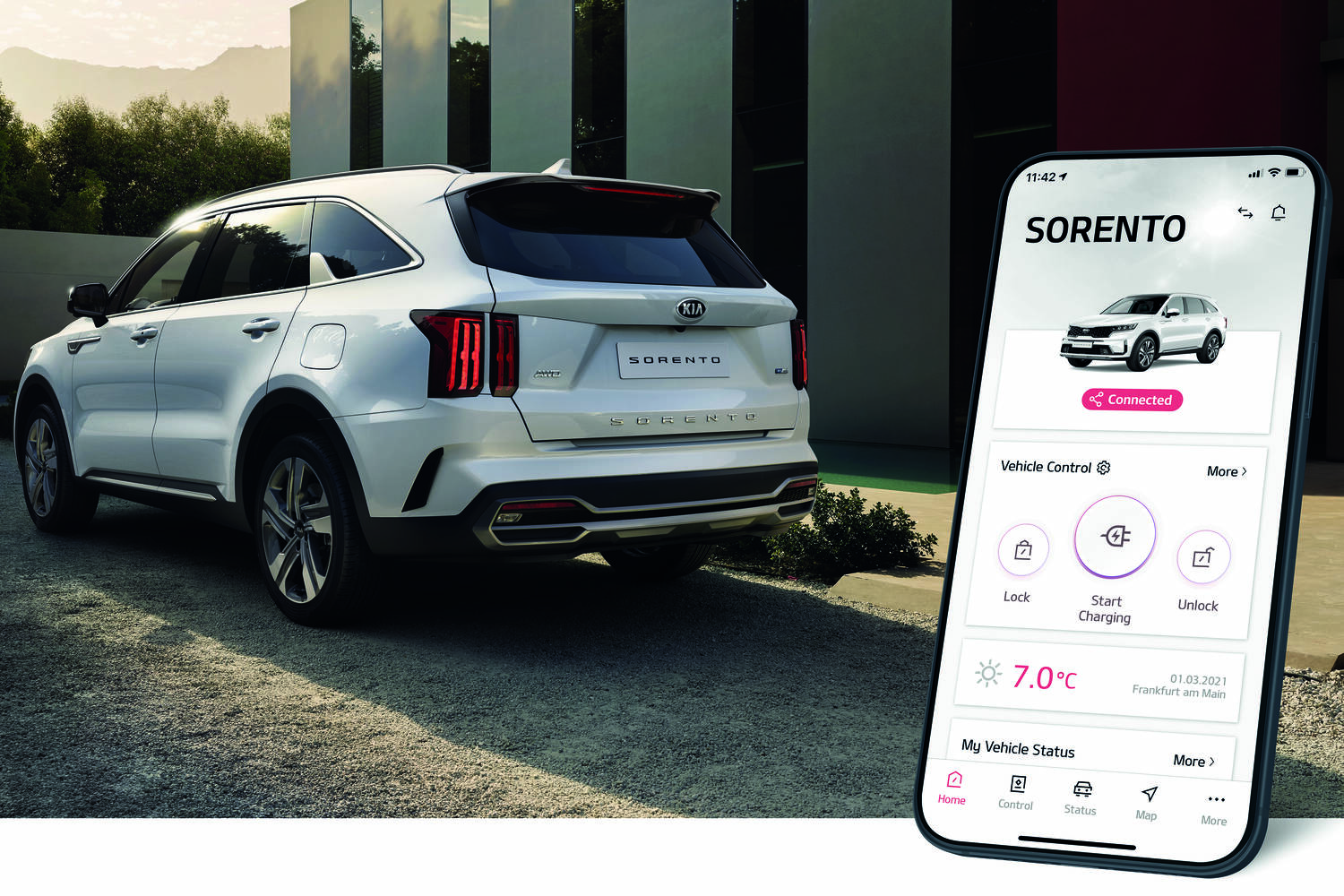
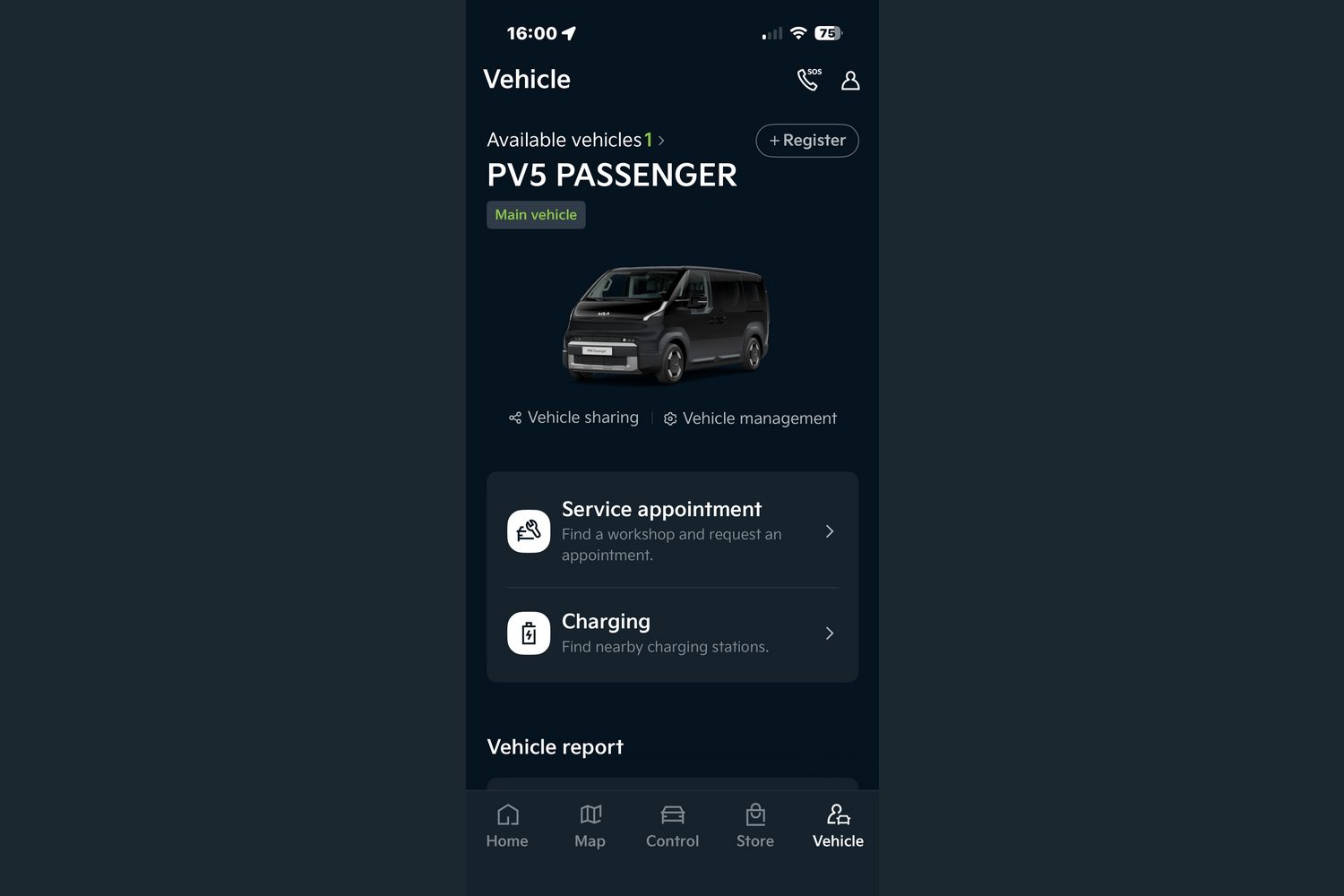
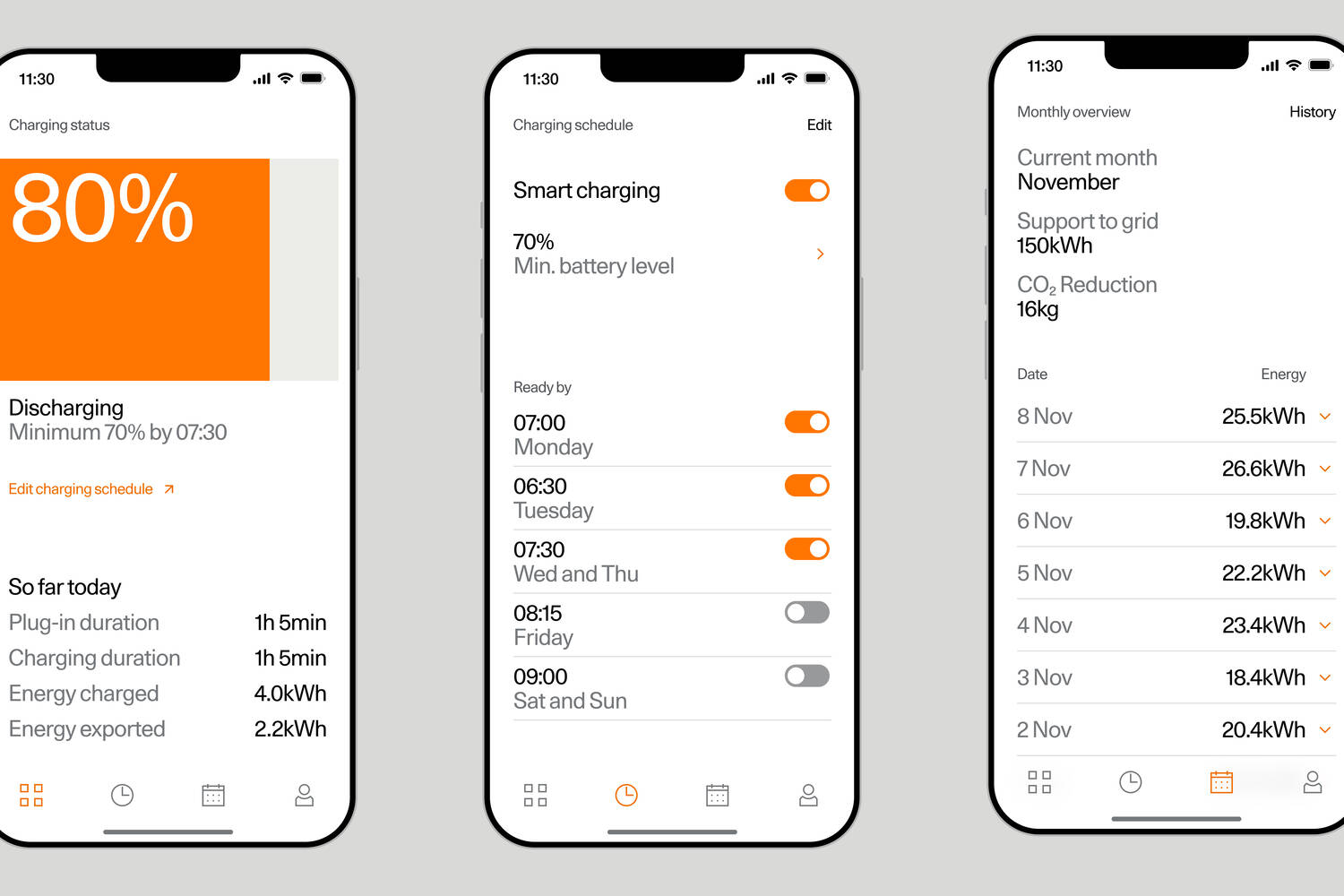
There are other non-heat related benefits, though. Most apps will tell you when your car needs a service and can let you remotely check such things as tyre pressure, oil level, how much fuel is in the tank (or how much charge in a battery) and how much driving range you have left.
You can use the app's navigation system to pre-plan any long journeys and send them to the car's dashboard before you leave the house, often using third-party software such as Google Maps and the apps can also log your last position, meaning you never need to remember where you parked.
And if you have parked in an especially crowded spot, then most apps will let you flash the car's headlights and even honk the horn to help you find it. Many will also let you unlock or lock the doors remotely, so no last-minute holiday panics trying to remember if you secured everything before you left; the app can tell you if you did and help you correct any mistakes. No, it's all fine dear, I was just checking...
What about security?
If anything untoward did happen, some of the apps will also let you check out the car's surroundings and interior using various cameras which adds an extra level of security. Some already include automatic recording if the car detects a sharp impact while it's parked, so no more mystery door dings...
What's odd is how few of us are actually making good use of all this fantastic tech. A UK-based survey by Uswitch late last year found that almost half of all drivers - 48 per cent - have never used the app for their car, and 18 per cent, which is nearly one in five, didn't know that such a thing existed.
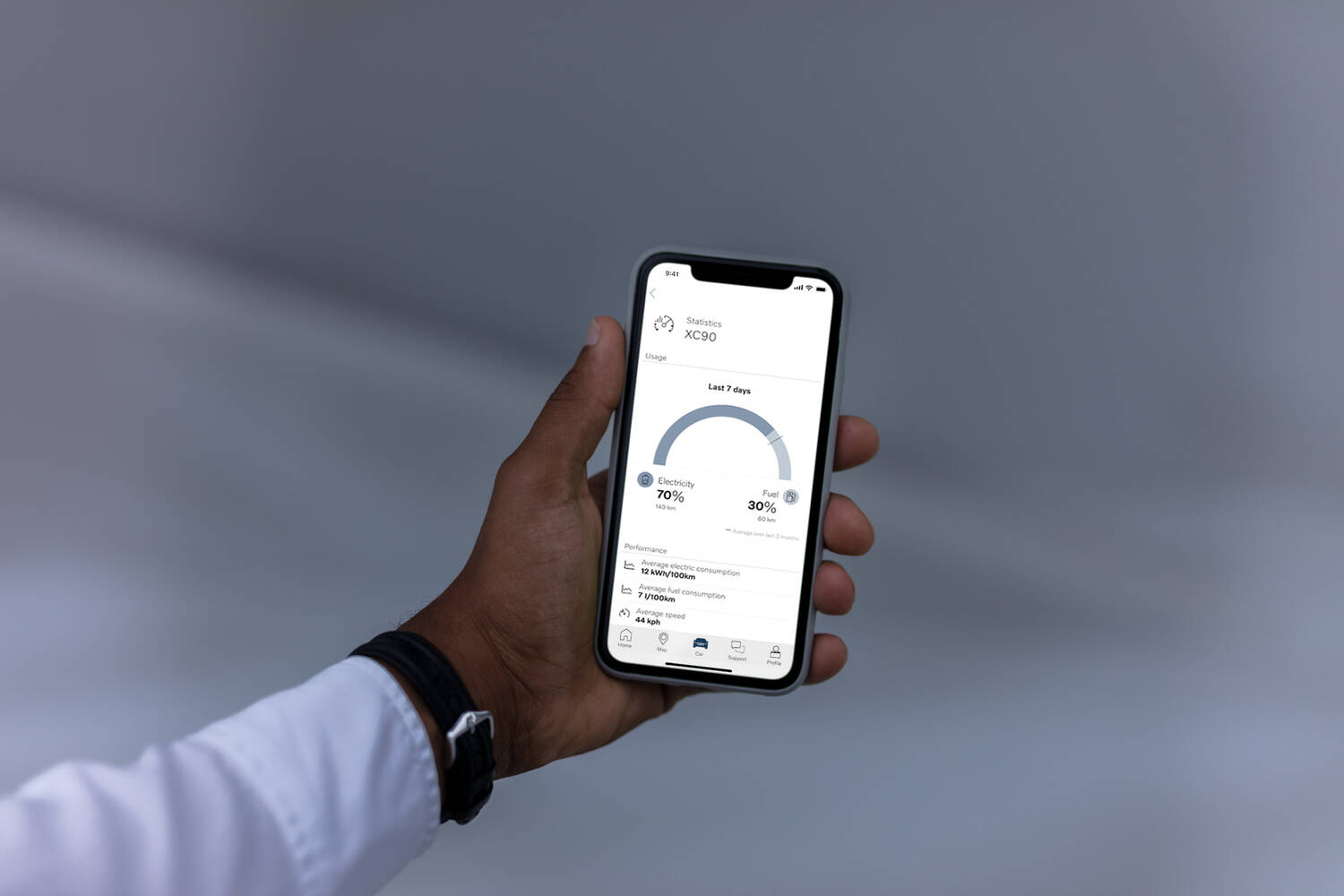
That same survey pointed out that 79 per cent of those who do use car apps rate them highly, which is a good sign. However, it's worth remembering that, as with any online or connected activity, you're leaving a digital footprint, so make sure you do read the long-winded terms and conditions so you know how much personal info you're sharing with the company that made your car, and remember too to opt out of in-app tracking and other services to protect your privacy if that concerns you.
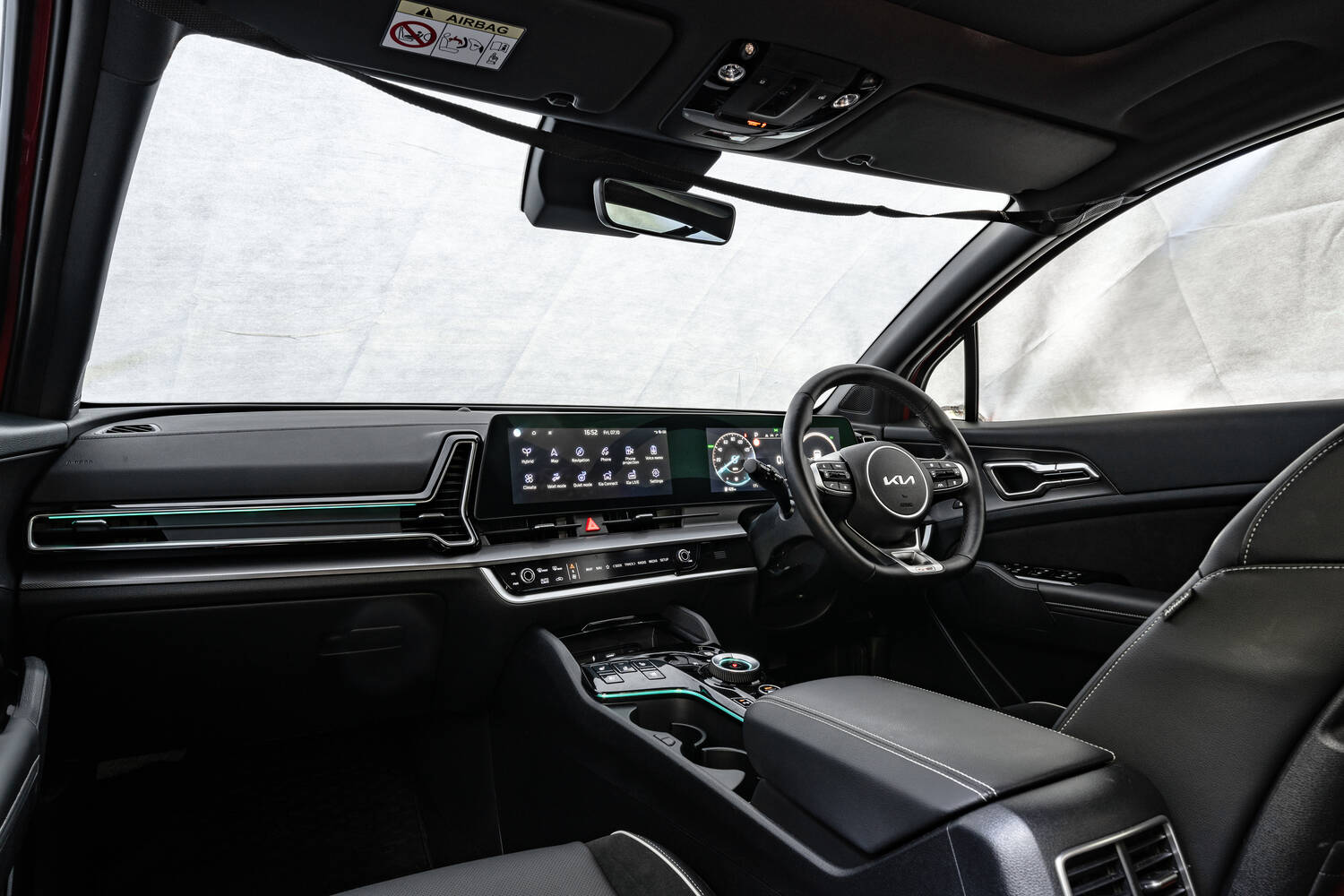
That 15 minutes extra in bed, though? It's certainly worth the small effort of getting your app set up.
If there is anything about this story we have not covered, you can avail of our expert advice service via the Ask Us Anything page.